
Guides
Cores vs Threads: What Gamers & Creators Need

Aug
Choosing a CPU shouldn’t feel like a quiz on microarchitecture. Yet in 2025, most buyers still ask the same thing: do cores or threads actually matter for how my PC feels—in-game, while streaming, or when exporting video?
This guide answers that without the fluff. If you’re gaming at 1080p/1440p, streaming to friends, or editing on the side, you’ll see exactly how many cores you need, when extra threads help, and where your money is better spent (RAM, storage layout, cooling) so you don’t overbuy the CPU.
Whether you’re planning a S$2.5–3k 1440p build or speccing something more premium, use this as a no-regrets checklist to match your CPU to your monitor, games, and creator apps.
TL;DR
- Gaming (1080p/1440p): Prioritise per-core speed and 6–8 strong cores.
- Streaming while gaming: 8 cores / 16 threads (or 8P + E-cores) is the sweet spot.
- Creators: 12–16 cores shine for heavy exports/renders; 8–12 is perfect for editing and photo work.
- Threads amplify good cores; they don’t replace them. Match the CPU to your monitor and top apps/games.
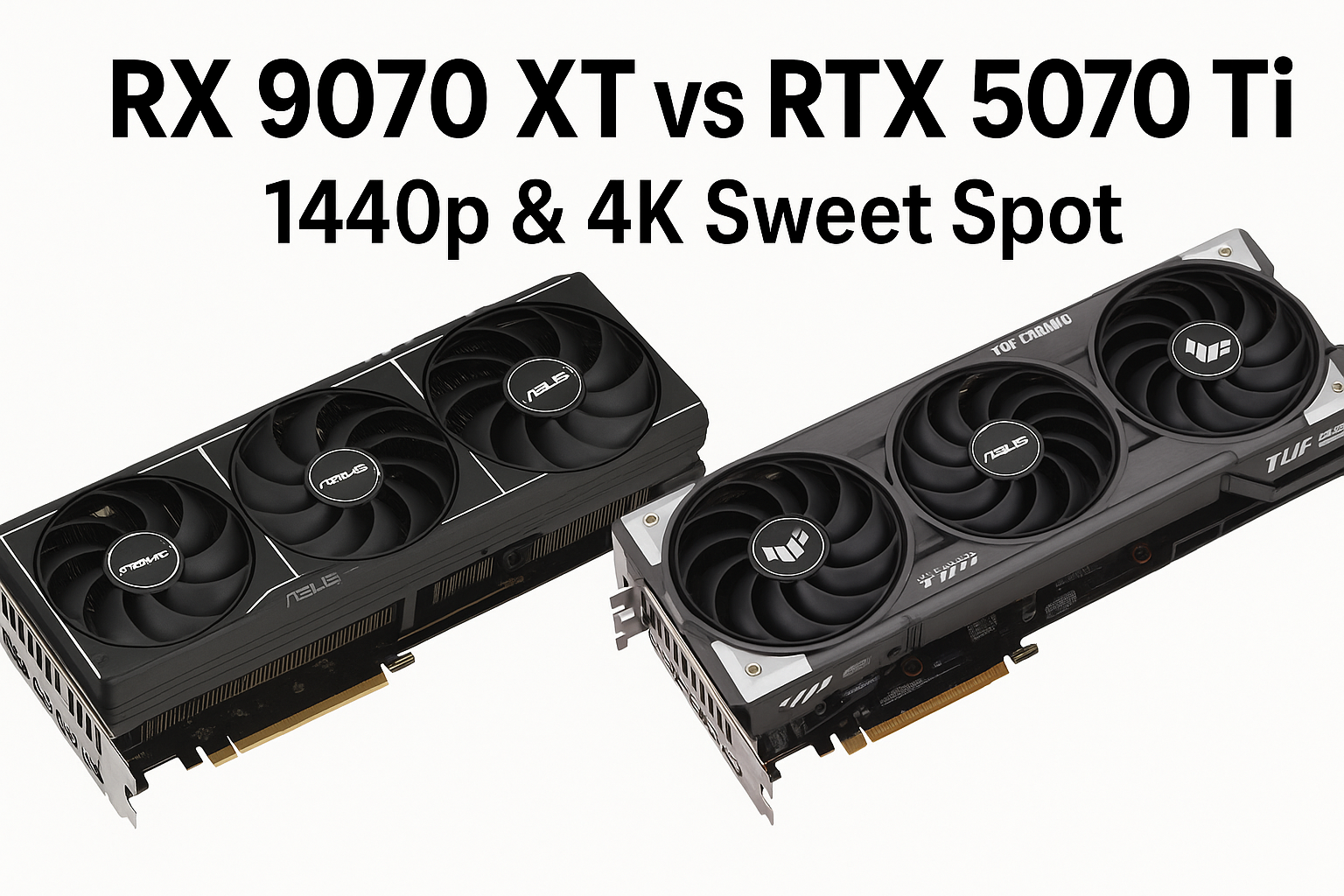
Also read: [Intel vs AMD CPU – Which Is Right for You?], [RX 9070 XT vs RTX 5070 Ti – 1440p & 4K Sweet Spot], [Best Creator Workstation PC (2025 Guide)]
Cores & threads in one minute
A core is a physical worker.
A thread is a task lane the OS can schedule on a core. Many modern CPUs run two threads per core (SMT/Hyper-Threading).
More threads help when you juggle lots of tasks (Discord, Chrome, OBS), but fast cores still drive frametime and UI snappiness.
For gamers: pick by resolution and play style
- 1080p / 240–360 Hz (esports): You’re often CPU-limited. Choose 6–8 strong cores with high boost and big cache. Threads help with background apps and recording.
- 1440p / 144–240 Hz: Still value per-core speed. 6–8 strong cores is ideal; add threads if you stream.
- 4K / up to 120 Hz (cinematic): GPU dominates. A modern 8-core with solid boost is plenty; upscalers (DLSS/FSR) smooth the rest.
Related: [How to Boost FPS on Your Custom Gaming PC in 2025], [RX 9070 XT vs RTX 5070 Ti – 1440p & 4K Sweet Spot]
For creators: match CPU to workload—not hype
- Timeline editing (Premiere/Resolve), Photoshop/Lightroom: Fast per-core performance matters most; 8–12 cores / 16–24 threads feels great. Put budget into NVMe scratch and 32–64 GB RAM.
- Exports, encodes, 3D renders, AE heavy comps: These scale with cores. 12–16 cores (24–32 threads) gives real time savings.
- GPU-accelerated tasks (color, some effects, AI): CPU needs are moderate; invest in GPU + RAM + fast scratch.
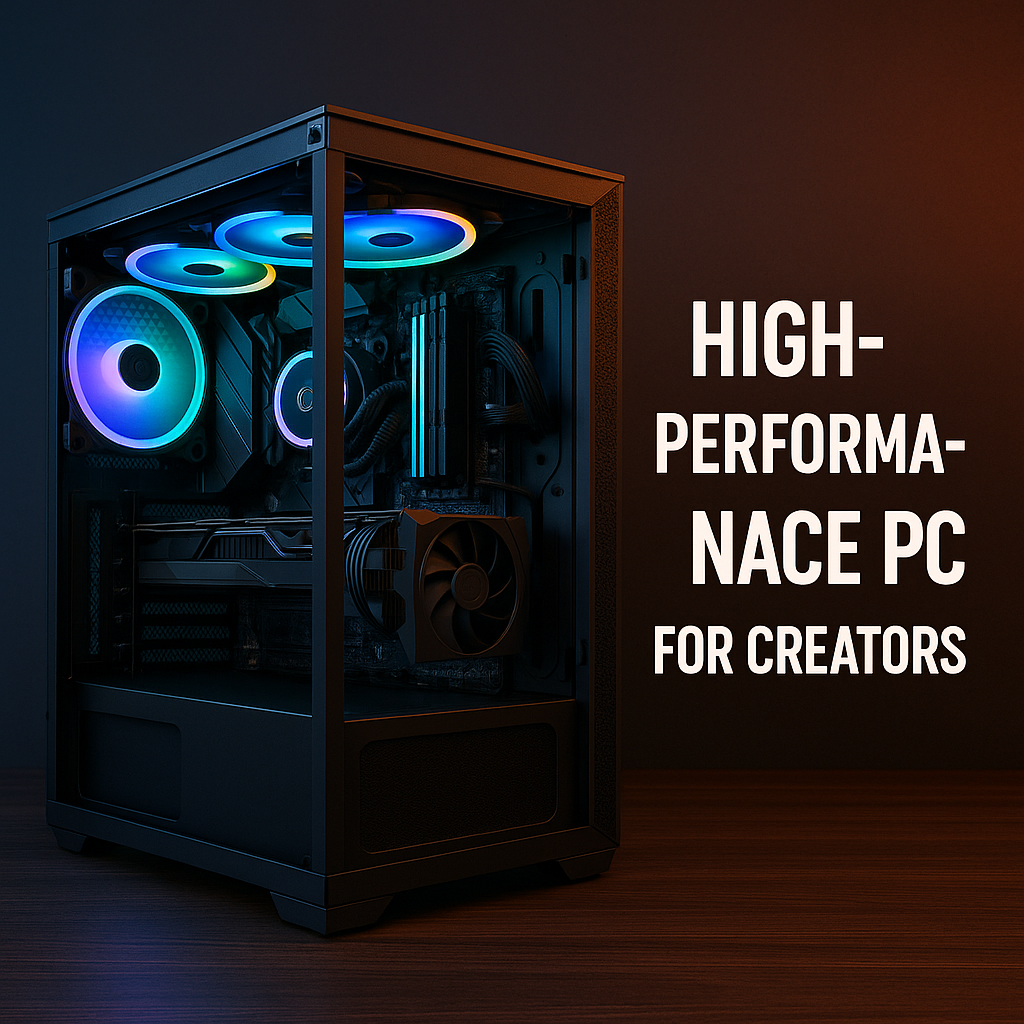
Deep dive: [Best Creator Workstation PC Build in Singapore (2025 Guide)]
P-cores, E-cores & scheduling (quick sanity check)
Hybrid CPUs mix Performance (P) and Efficiency (E) cores. Leave defaults on; Windows and vendor tools are decent at placing the game on P-cores and background stuff on E-cores. If a title misbehaves, pin it to P-cores via vendor utilities or Game Mode.
How many do you need? (simple matrix)
| Use case | Recommended CPU class |
|---|
| 1080p esports, no streaming | Strong 6–8 cores (high boost) |
| 1080p esports + streaming/recording | 8 cores / 16 threads (or 8P with E-cores) |
| 1080p cinematic gaming | 6–8 strong cores |
| 1440p esports, no streaming | Strong 6–8 cores (high boost) |
| 1440p esports + streaming/recording | 8 cores / 16 threads (or 8P with E-cores) |
| 4K cinematic gaming | 8 cores with high boost; GPU matters more |
| Photo + light video | 8–12 cores, fast NVMe scratch, 32–64 GB RAM |
| Heavy exports, 3D, frequent renders | 12–16 cores, 64 GB RAM, fast scratch |
Pairing tips that matter:
RAM: 32 GB is the new default; go 64 GB if you edit/record often.
Storage: OS/apps on NVMe; a separate NVMe as project/scratch usually saves more time than +2 CPU cores.
Cooling: A quality tower or 360 AIO keeps boost clocks high (free performance).
Common traps to avoid
- Don’t buy a CPU just because it has more cores.
For 1080p/1440p high-FPS gaming, fewer but faster cores usually feel smoother than more, slower cores. Prioritise strong single-core/boost performance (and good L3 cache) over raw core count. - Ignoring storage layout. A fast scratch NVMe and enough RAM often beat a pricier CPU for creators.
- Weak motherboards/VRM. Stability under load matters; don’t pair a strong CPU with a bargain board.
Related reads: [5 Tips to Choose a Motherboard], [5 Tips for Buying a Power Supply], [Should You Build a PC Yourself or Hire a Builder?]
Final word
Tell me your monitor and top 3 games/apps and I’ll spec the right CPU lane—no upsell, no fluff. The goal: a build that feels fast every day, not just on a spec sheet.
👉 Reach out for a consultation and I’ll tailor the CPU + parts around how you actually use your PC.

Pingback: Zack Custom PC – Hz vs FPS: What Actually Matters for Gaming
Pingback: Zack Custom PC – Best 1080p GPUs in Singapore (2025)
Pingback: Zack Custom PC – Battlefield 6 PC Specs (SG): 1080p/1440p/4K